Cli4D Designs Niagara Falls for MSFS-2024
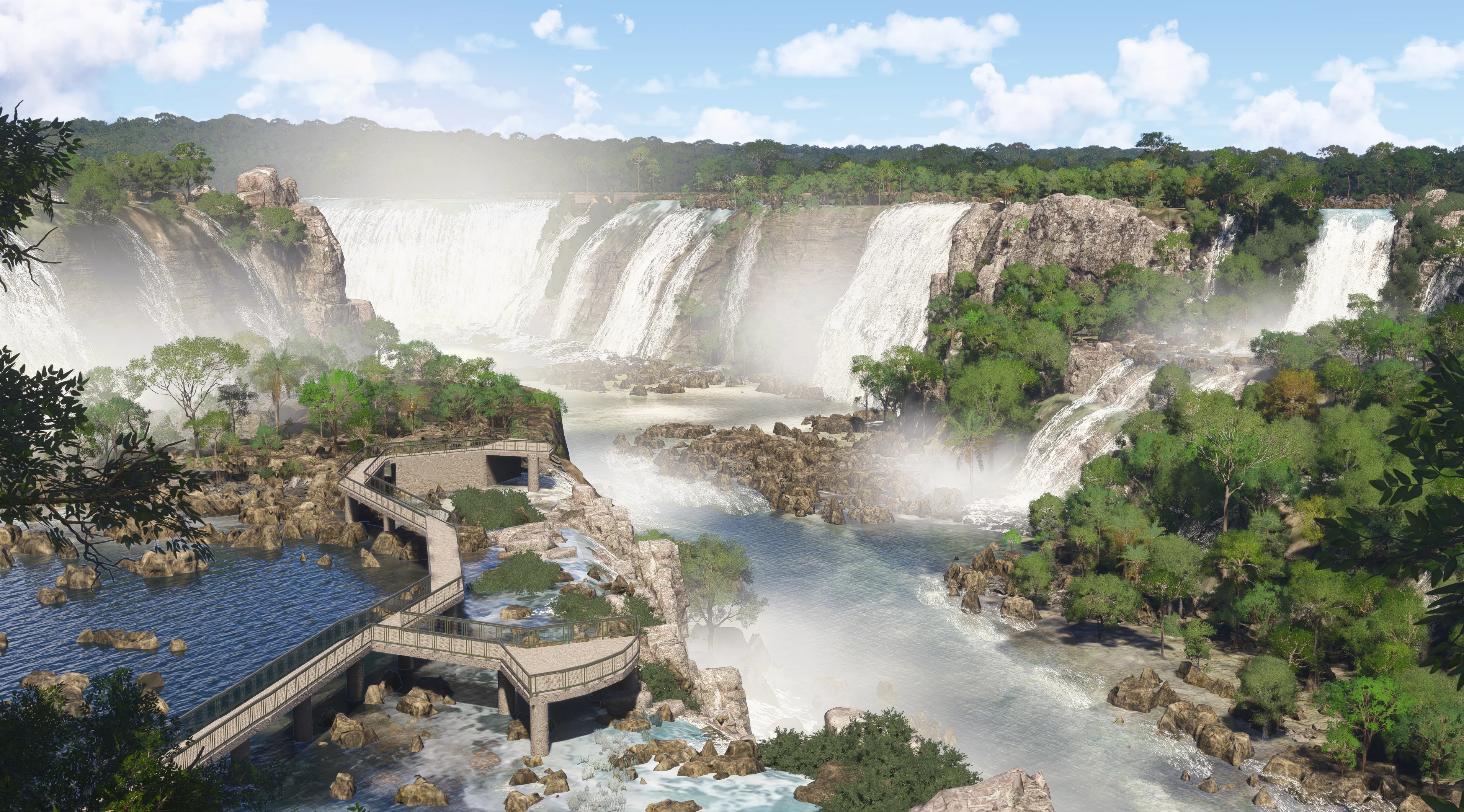
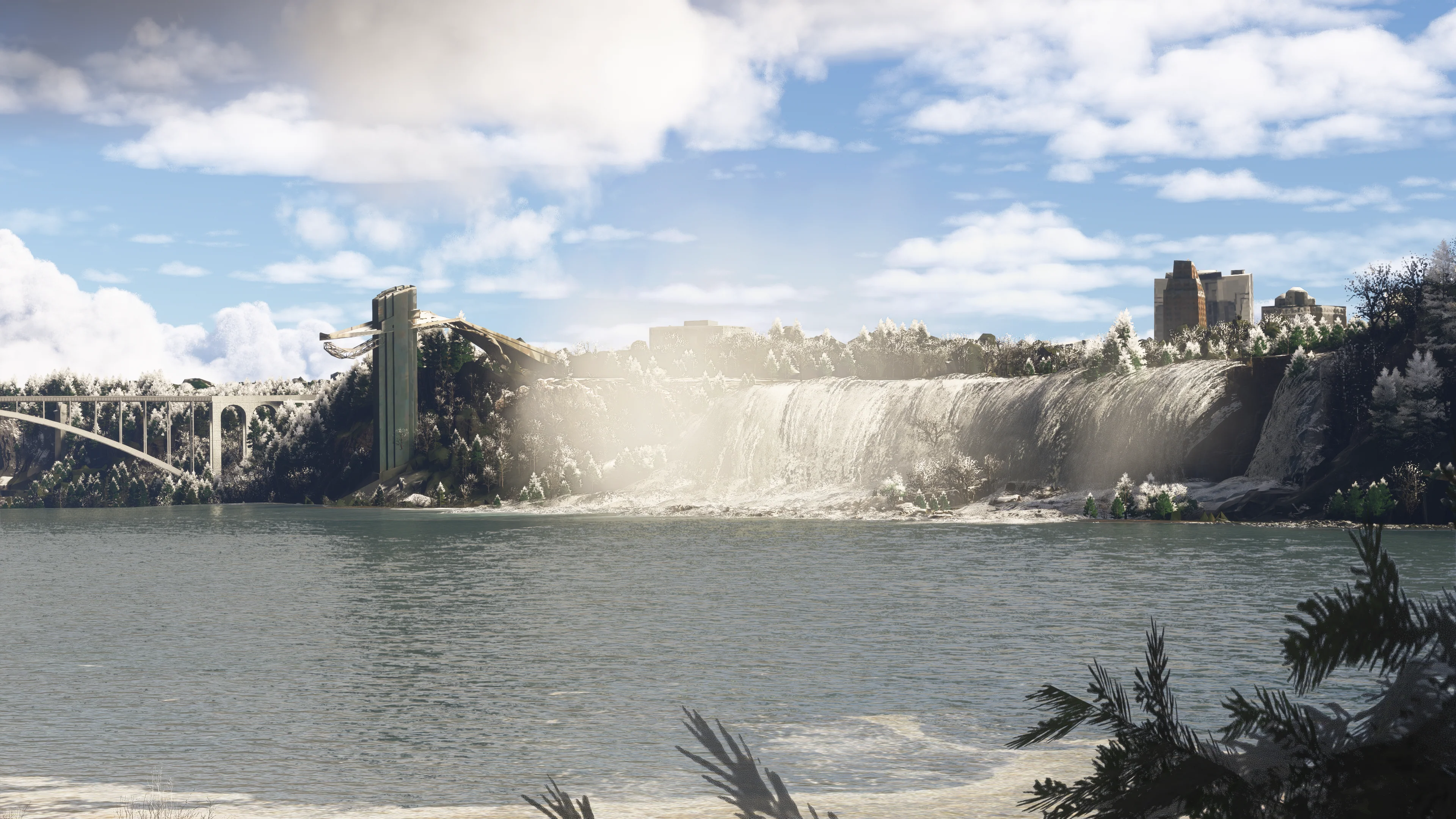
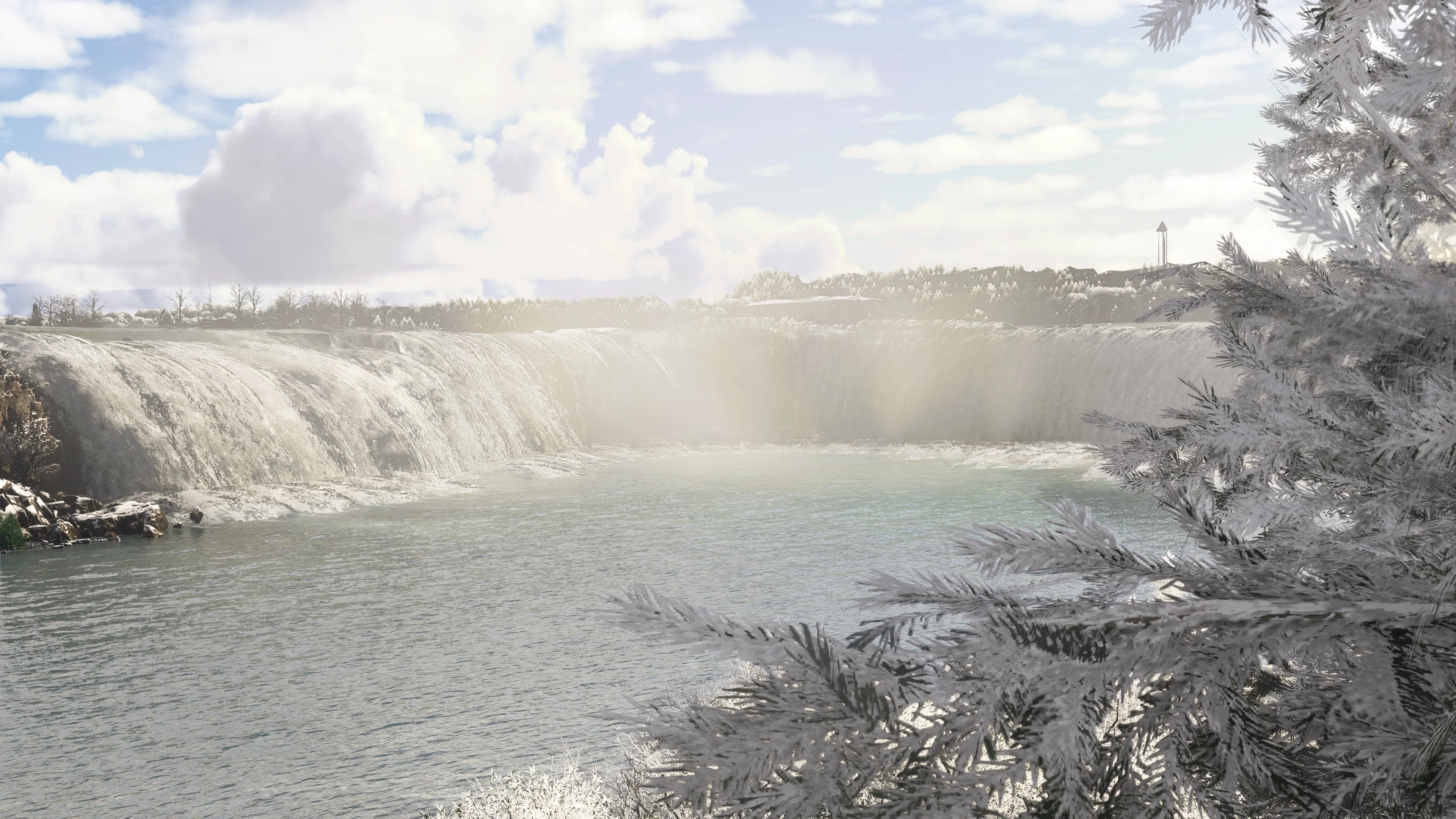
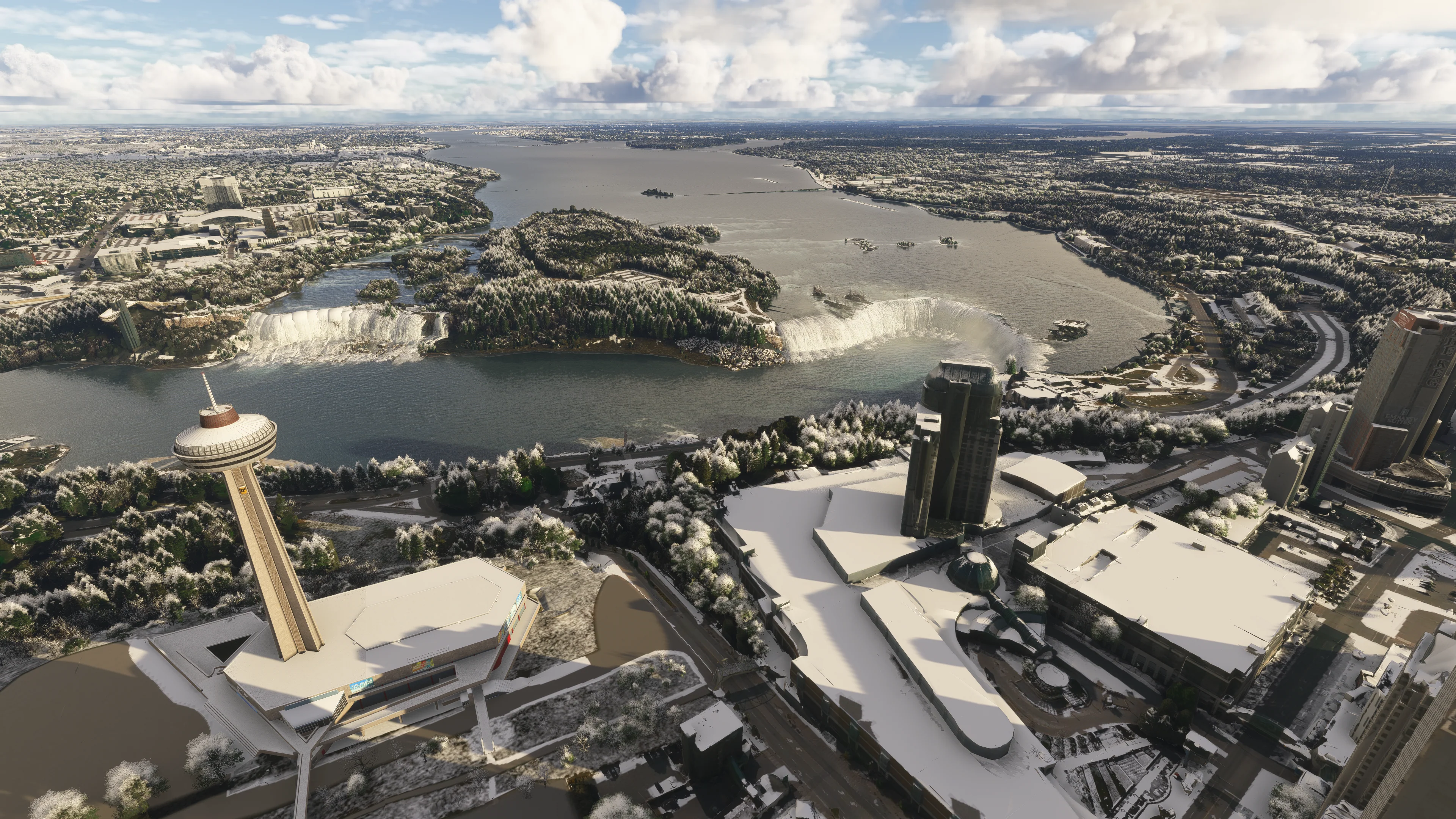
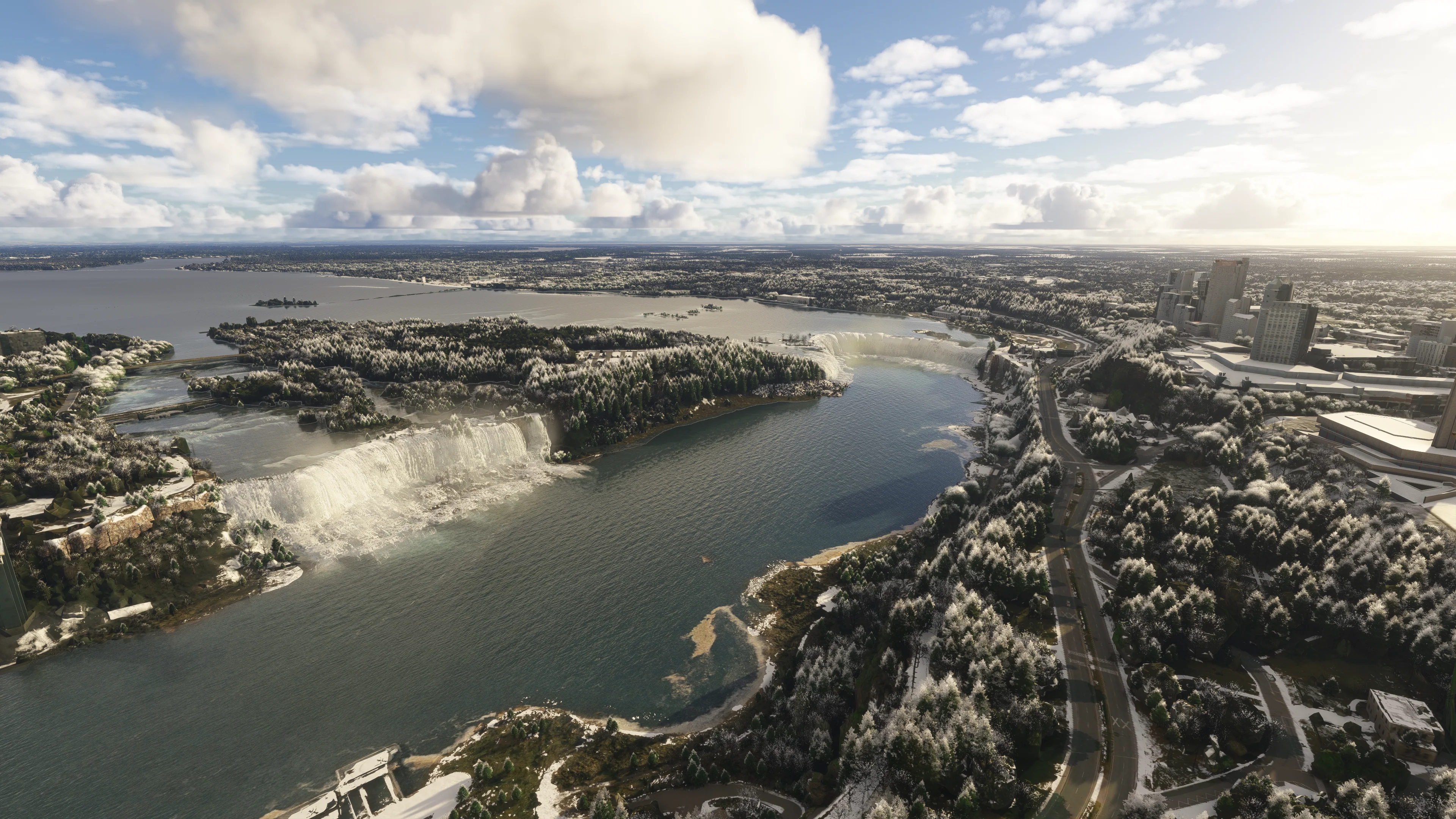
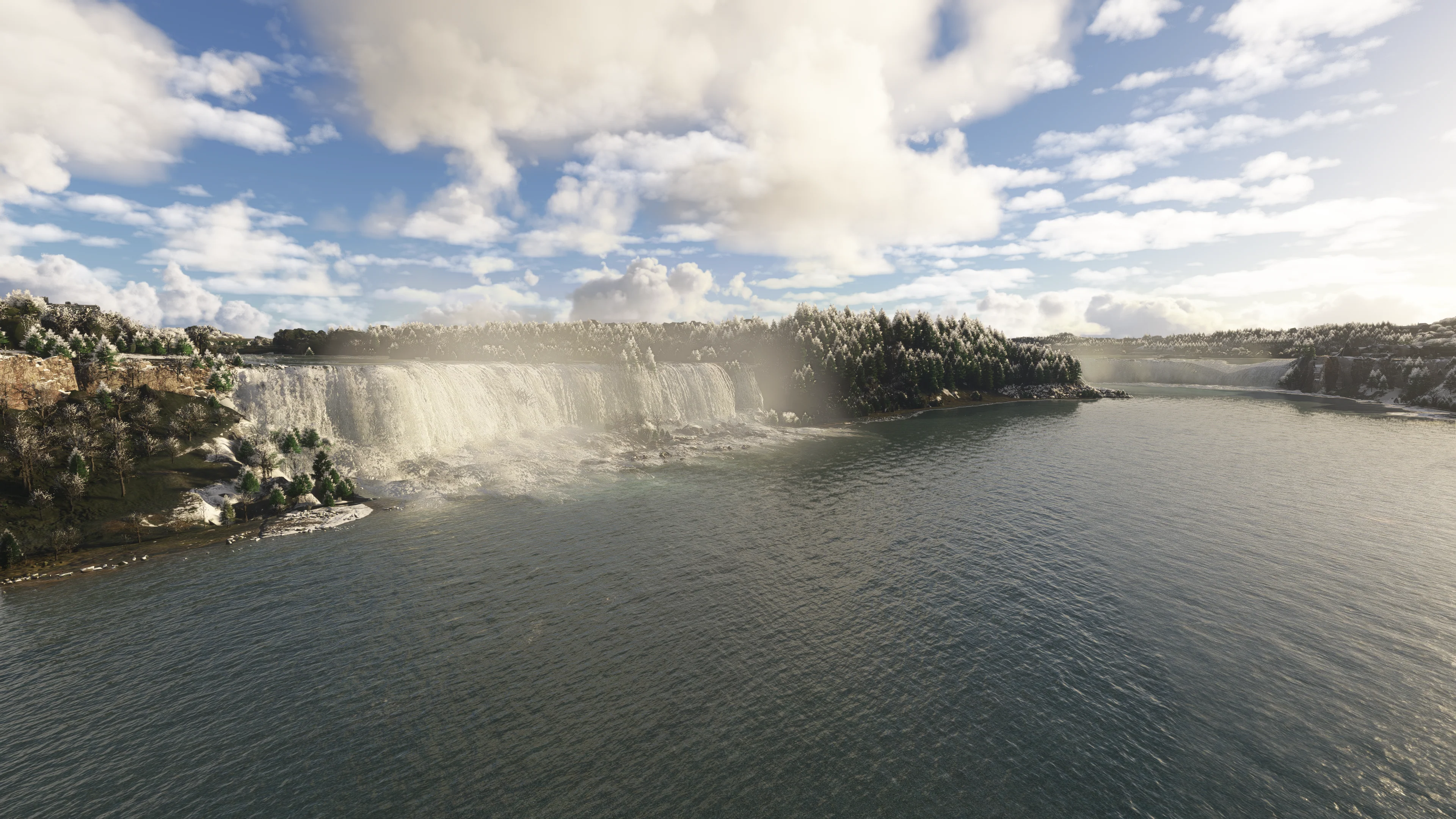
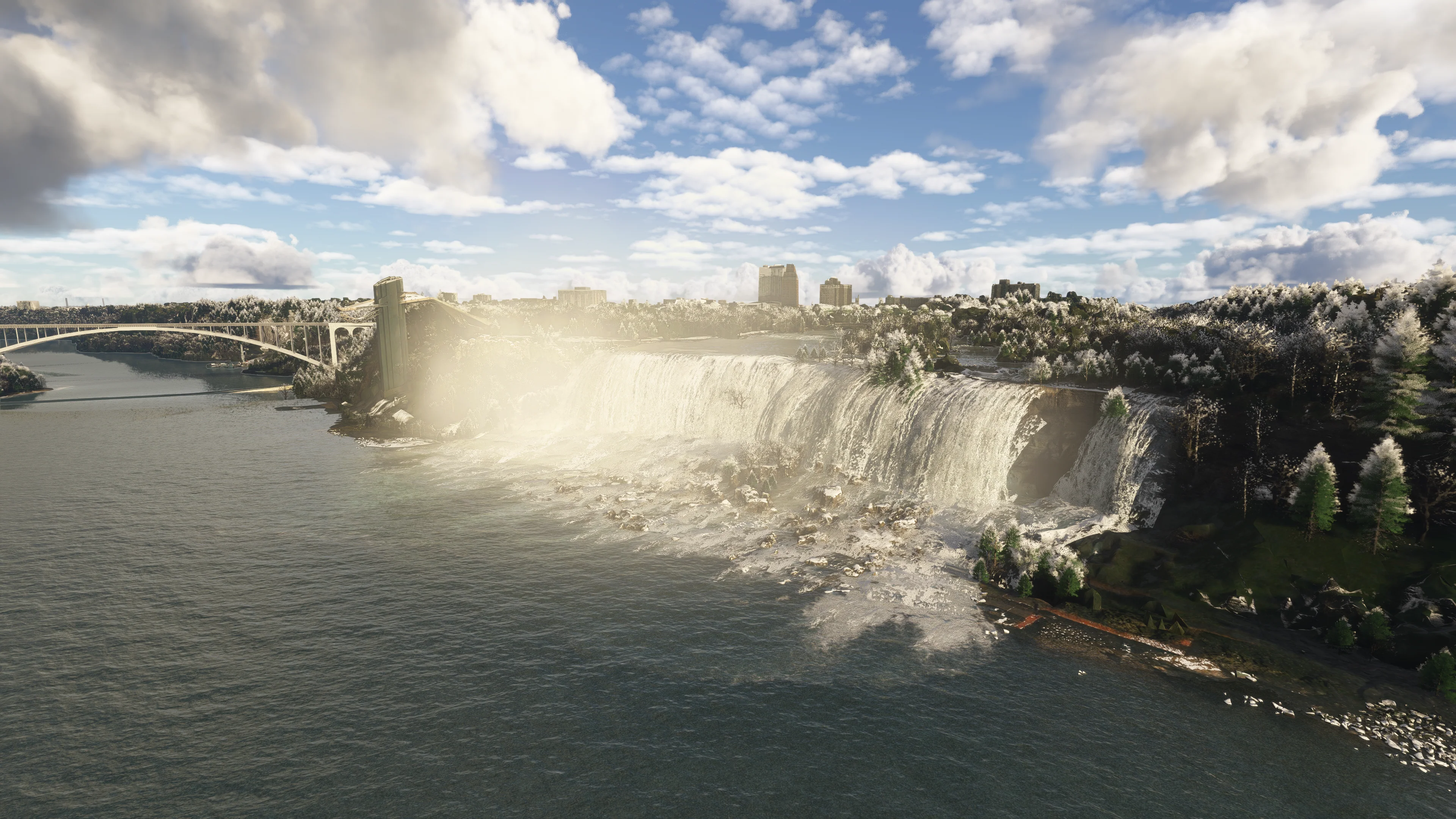
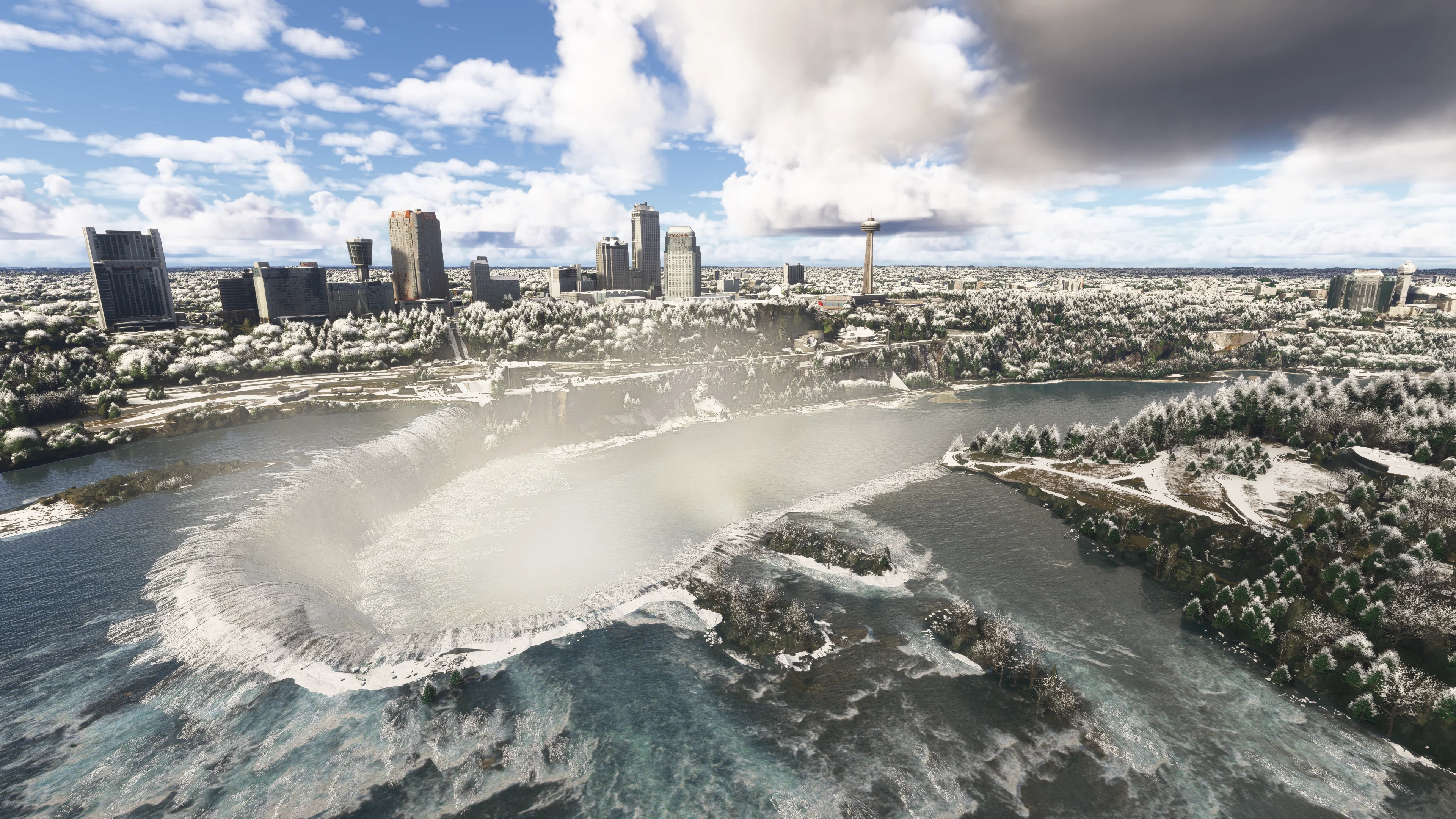
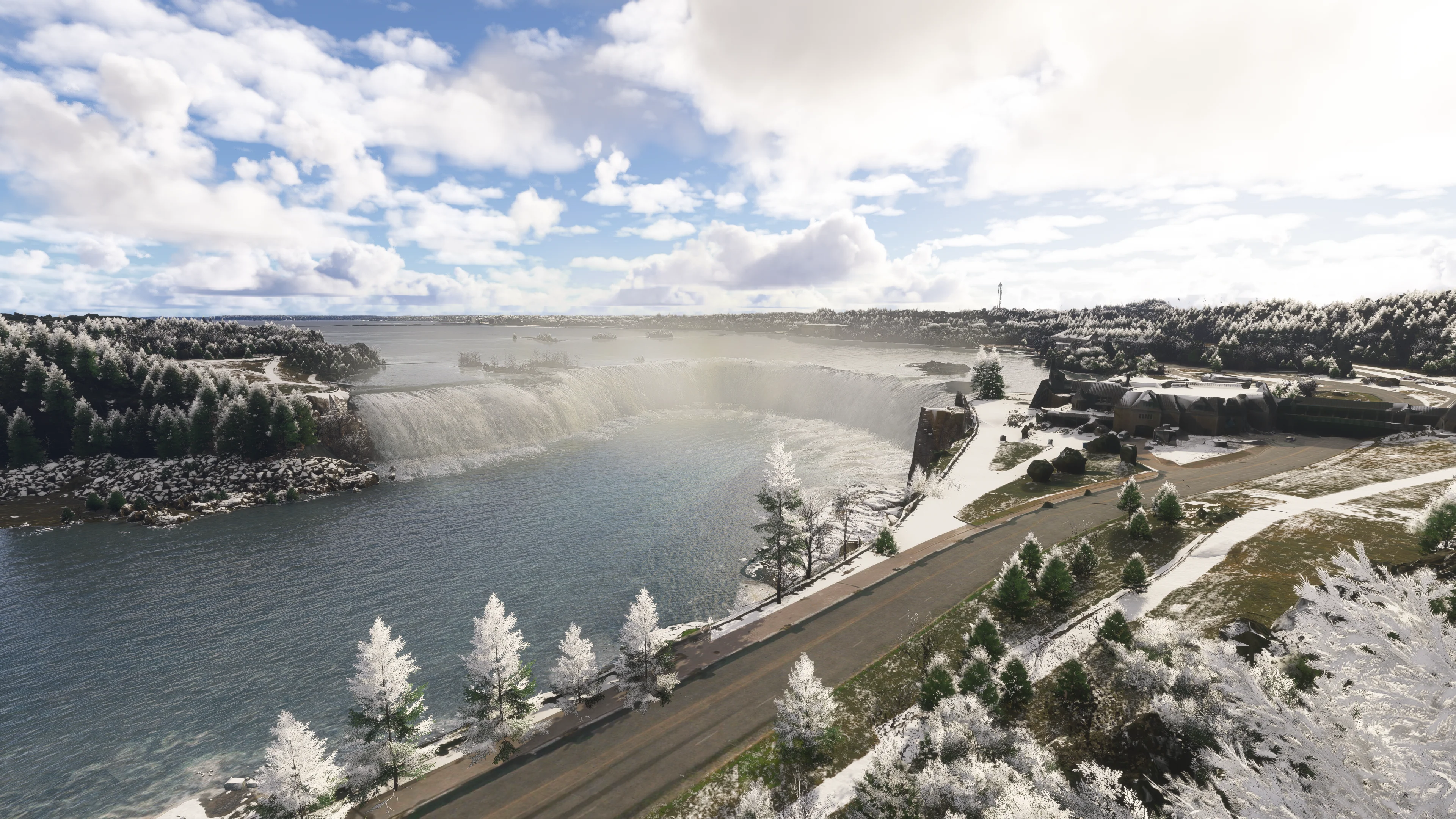
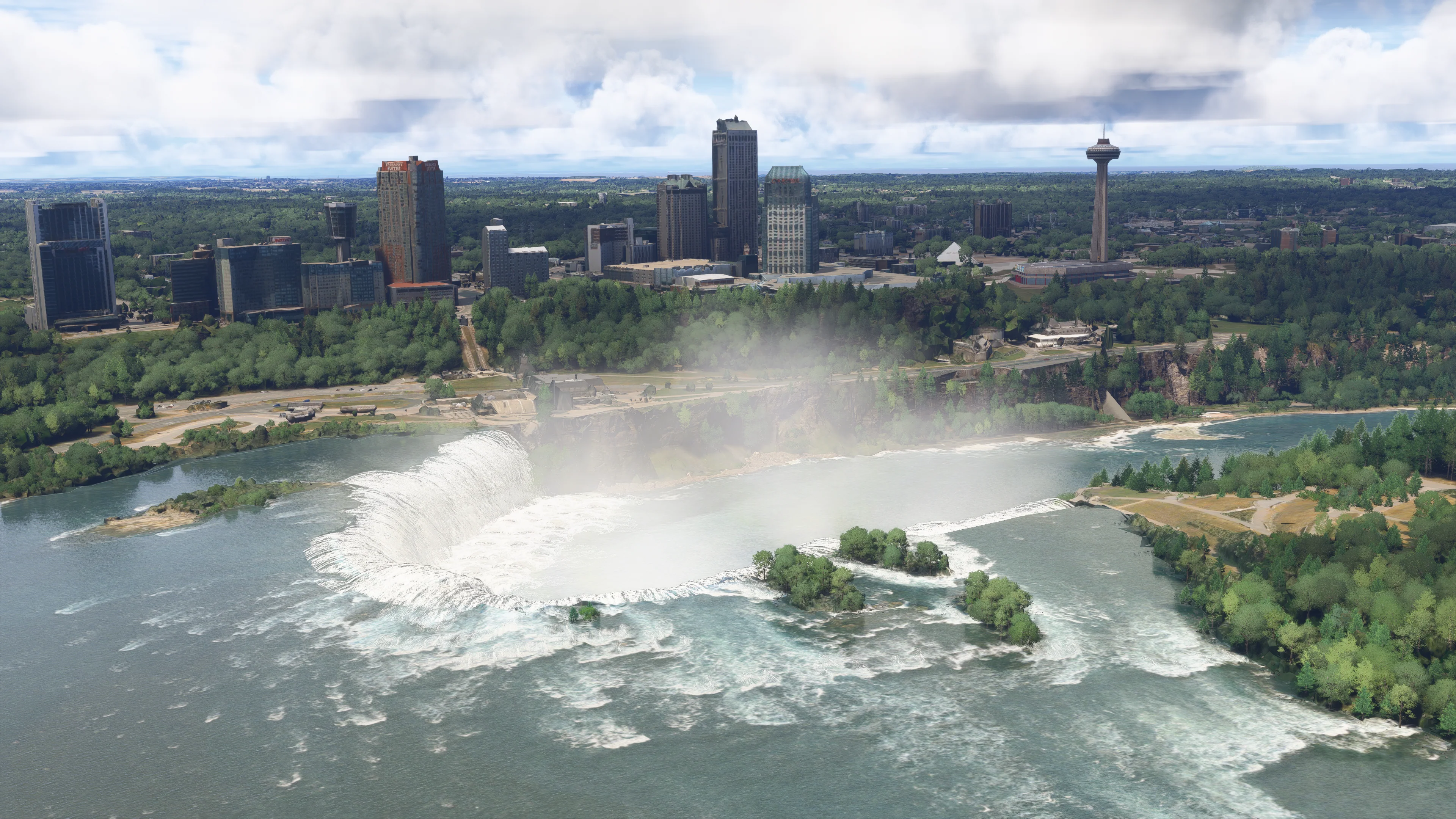
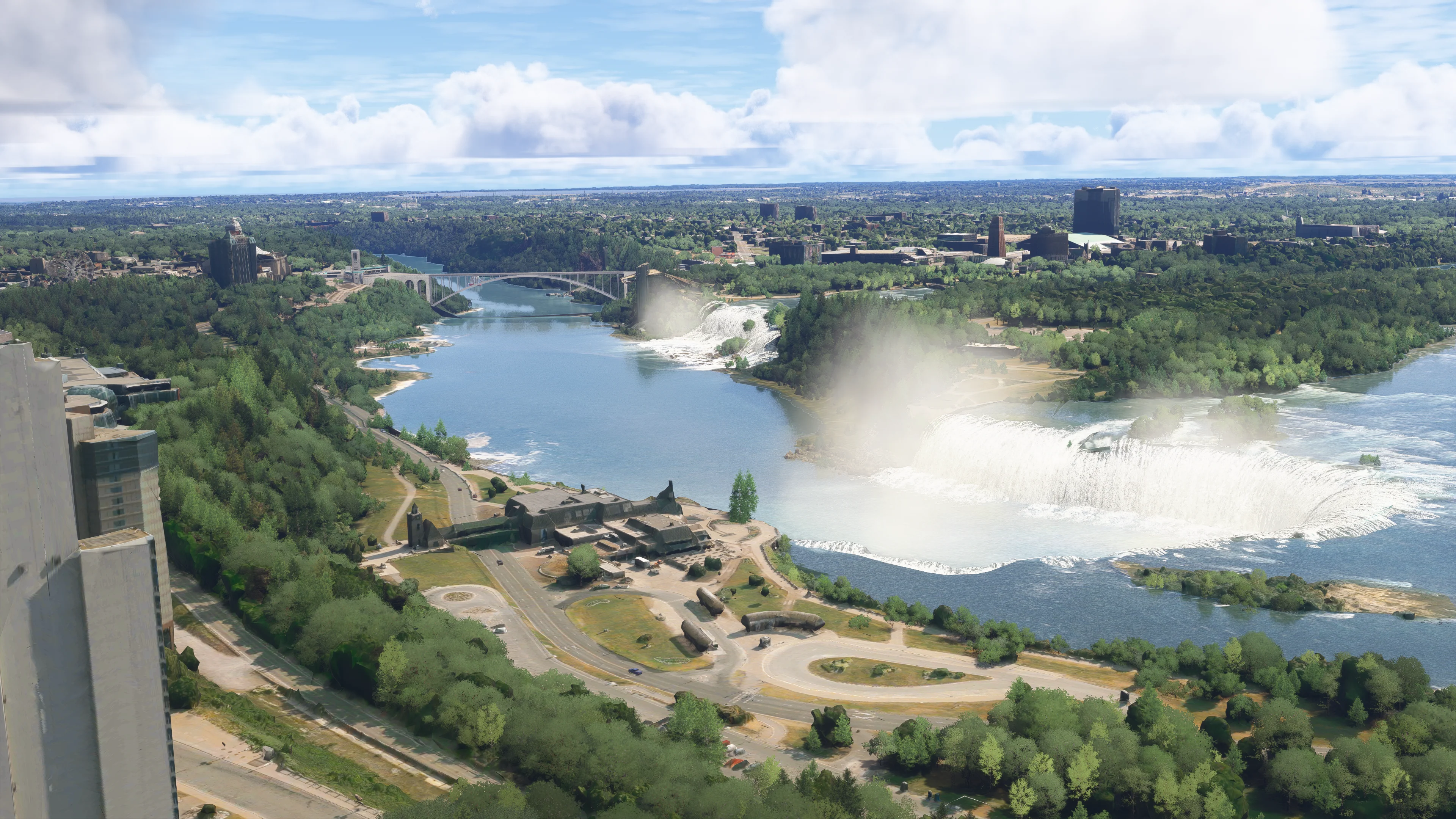
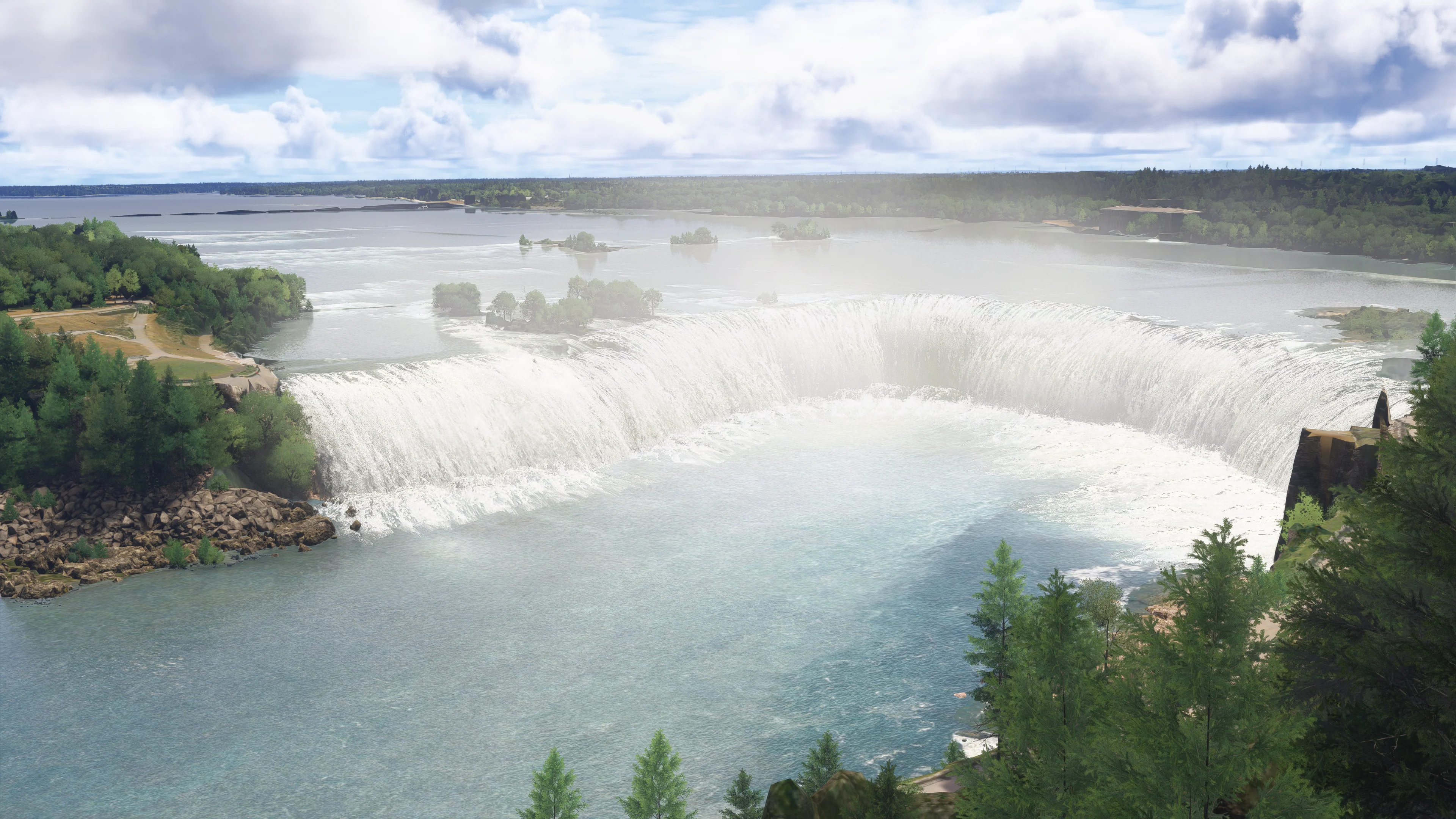
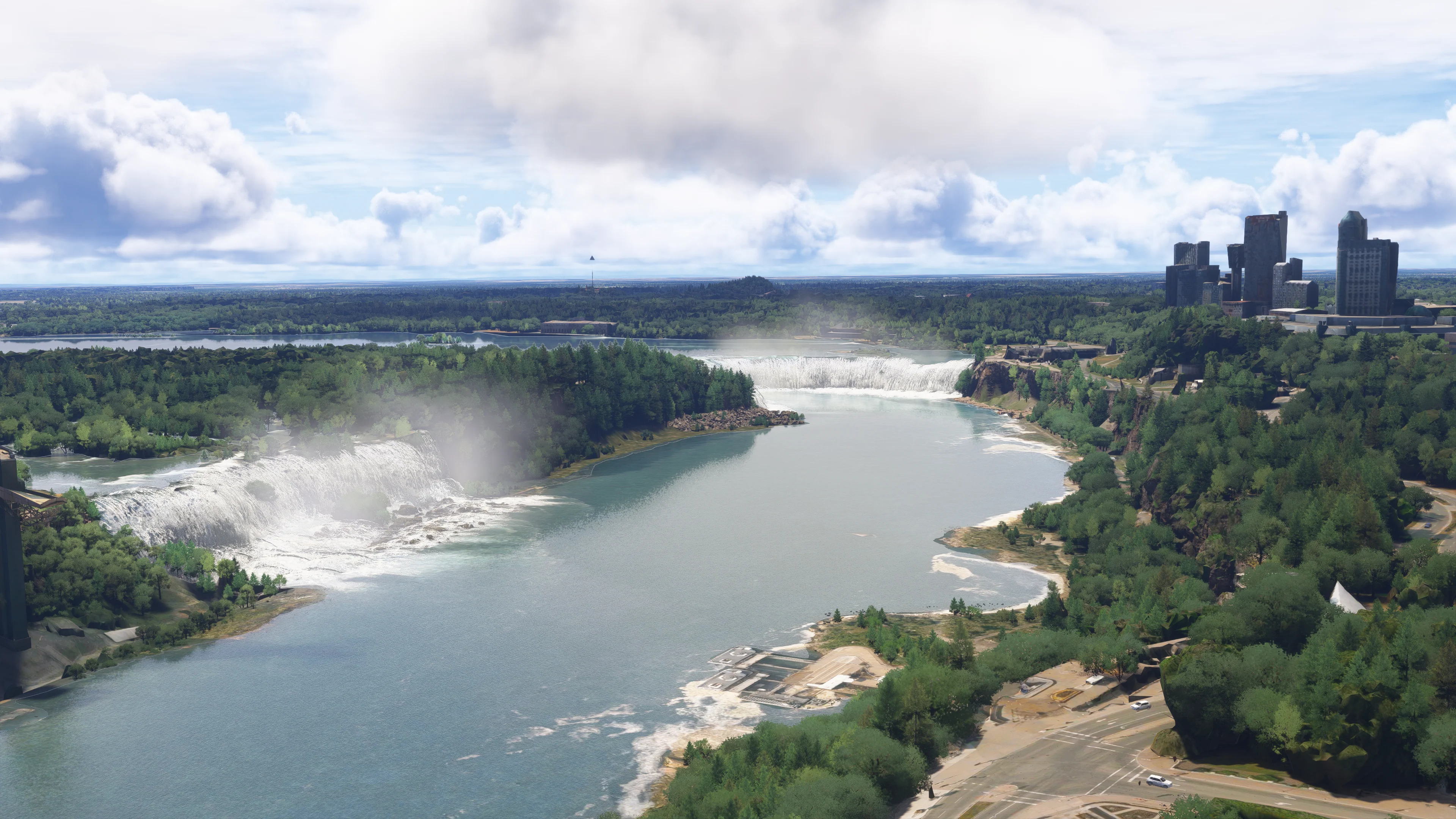
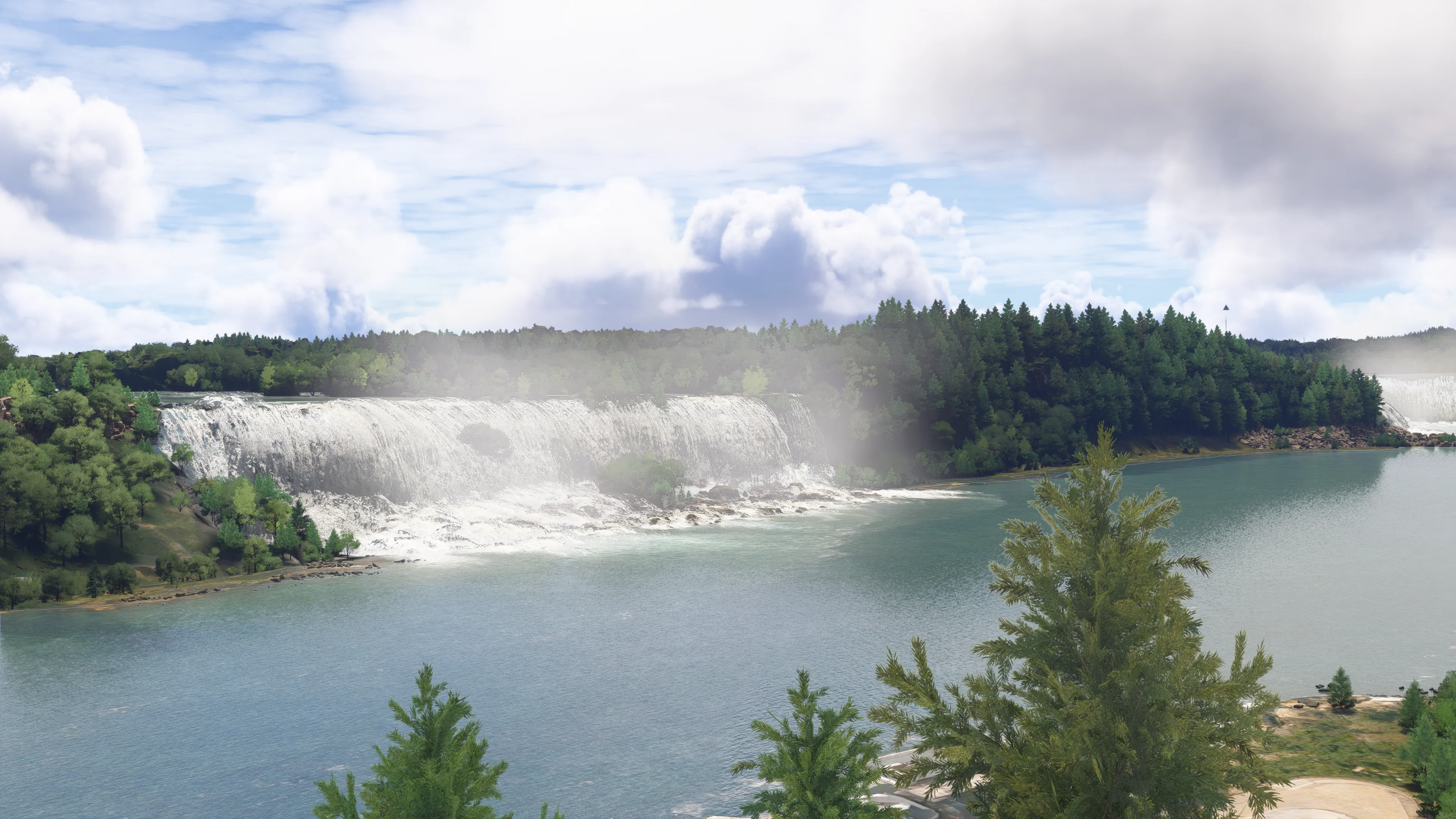
Experience the raw power and breathtaking beauty of Niagara Falls like never before in Microsoft Flight Simulator 2024.
This handcrafted add-on brings both the iconic Horseshoe Falls and American Falls to life with custom, realistic animated waterfalls that capture the thunderous motion and misty atmosphere of the real-world wonder.
Very Important Note!
The default scenery has Implemented an exclusion somewhere around the horse shoe bend thus making all changes done to not appear by default.
Do the following steps to load the addon as intended:
1. Open settings, 2. Click accessibility tab, 3. Click experimental features, 4. Open Package Reorder tool, 5. Look for "cli4d_niagara_falls", 6. click on the arrow down corresponding to the file, 7. Set it to the lowest part to make sure it will be the last to be loaded in order for the horse shoe bend waterfalls to appear as intended, 8. Restart the sim
Original: $5.70
-70%$5.70
$1.71Product Information
Product Information
Shipping & Returns
Shipping & Returns
Description
Experience the raw power and breathtaking beauty of Niagara Falls like never before in Microsoft Flight Simulator 2024.
This handcrafted add-on brings both the iconic Horseshoe Falls and American Falls to life with custom, realistic animated waterfalls that capture the thunderous motion and misty atmosphere of the real-world wonder.
Very Important Note!
The default scenery has Implemented an exclusion somewhere around the horse shoe bend thus making all changes done to not appear by default.
Do the following steps to load the addon as intended:
1. Open settings, 2. Click accessibility tab, 3. Click experimental features, 4. Open Package Reorder tool, 5. Look for "cli4d_niagara_falls", 6. click on the arrow down corresponding to the file, 7. Set it to the lowest part to make sure it will be the last to be loaded in order for the horse shoe bend waterfalls to appear as intended, 8. Restart the sim